Help Ticket
Technology Support
Technology Support
Technology Support
Need tech Help? We've got you covered.
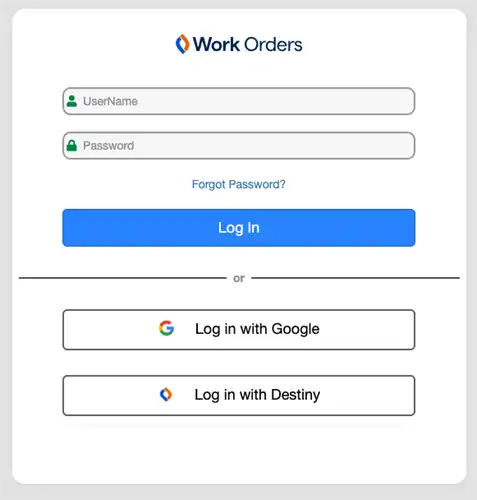
District Staff: Need technology assistance? Submit a request by emailing the Technology Help Desk at helpdesk@plusd.org or by logging into Follett IT Asset Manager at https://ca58.mlworkorders.com/Login.aspx with your Google login information. Select New Request, complete the required information, and click Submit Request. You can log in anytime to check the status of your request.
Families: If you need assistance with a student device, account, or other technology issue, please contact your school site or your child's teacher first. If additional support is needed, you may also contact the Technology Help Desk at helpdesk@plusd.org.
Click on the image below to submit a Ticket